

Quick answer
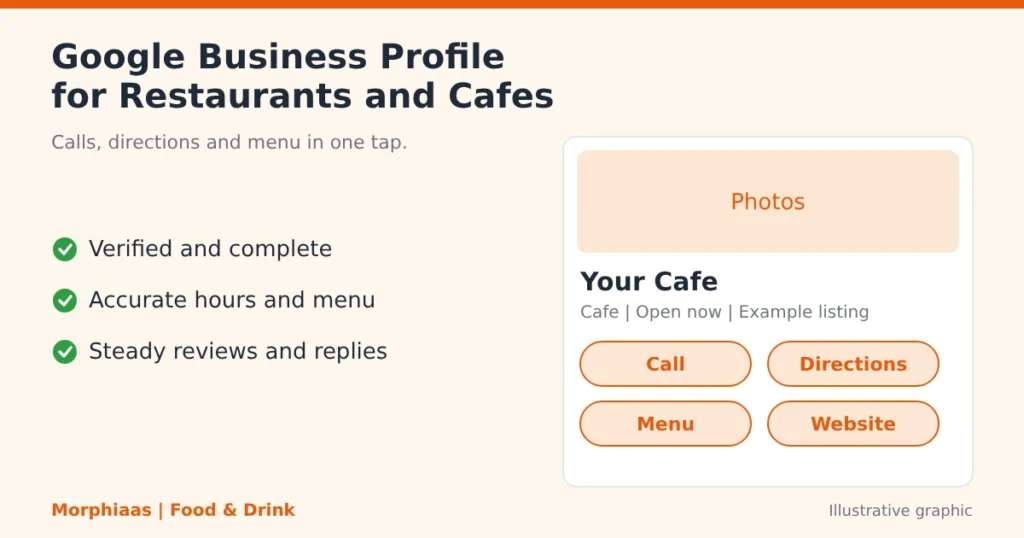
Google Business Profile optimization helps restaurants and cafes get more enquiries by making the listing complete, accurate and active. A well-kept profile shows up in local searches and on Google Maps, and it gives hungry diners a one-tap way to call, get directions, open the menu or visit your website. Google states that verified, up-to-date profiles with more reviews and positive ratings are more likely to rank well locally.
Key takeaways
- A verified, complete profile is the base. Everything else builds on it.
- Accurate categories, hours, menu and photos help the right diners find you.
- Steady reviews and prompt replies turn a view into a call or a visit.
- Weekly updates keep the profile active and trustworthy.
- Track calls, direction requests and website clicks so you know what works.
It is 8 pm in Delhi, and a diner types “cafe near me” into Google Maps. She scans the first three listings, compares ratings, glances at the photos and taps the one that looks open and trusted. Google Business Profile optimization decides whether your cafe is one of those three.
This guide shows how to optimize a Google Business Profile for a restaurant or cafe. It covers the details that bring the most calls from Google Maps and near me searches, plus a simple 30-day plan. It draws on Google’s own guidance and on our work with food and drink brands across India.
Why trust this guide?
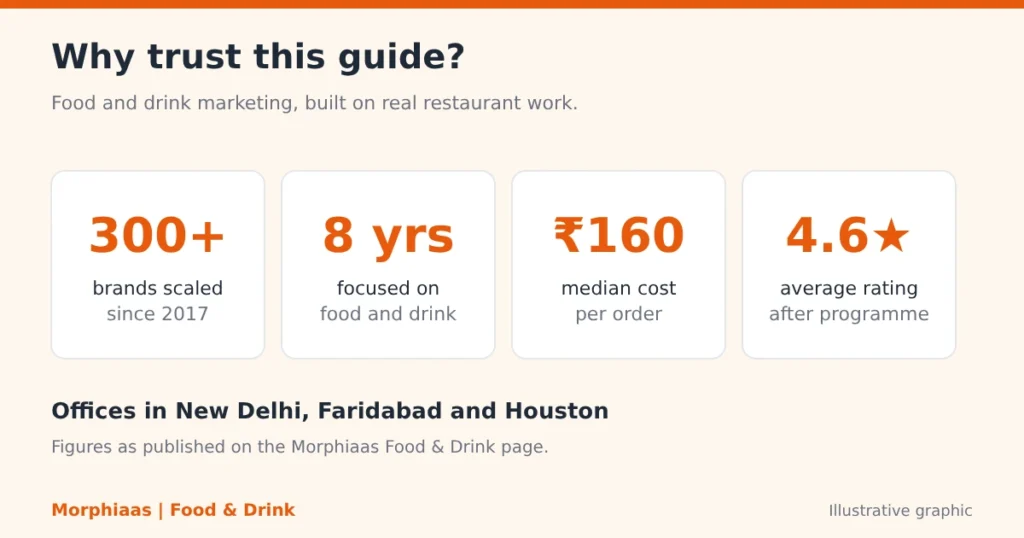
Morphiaas is a digital marketing agency that has worked with food and drink brands since 2017. We have scaled more than 300 brands, with eight years of focus on restaurants, cafes, cloud kitchens and food chains. Our team works from Delhi, Faridabad and Houston.
Every recommendation here follows Google’s published guidance or comes from the work we do for restaurant clients. Where we cannot support a claim, we leave it out. Results are described with their baseline and timeframe, and we say plainly when a result had more than one cause.
What is Google Business Profile optimization for a restaurant?
Google Business Profile, formerly called Google My Business, is the free listing that shows in Google Search and Google Maps. It appears in the local pack when people search for your restaurant or for food near them. Optimization means filling every relevant field accurately and keeping it current.
For a restaurant or cafe, that covers the name, address, phone number, hours, categories, menu, photos, attributes such as dine-in or takeaway, and the links for ordering or booking. It also covers how you collect and answer reviews.
The goal is practical. You want the diner to find you, trust you and contact you in the same few seconds.
Why do enquiries start on Google before they reach your website?
Most diners decide quickly and on a phone. They look at the listing first, because it shows distance, hours, ratings and photos in one place.
Your website still matters, and it works best when it matches the profile. Our local SEO for restaurants and cafes work treats the profile, the website and the review stream as one system, so the details never contradict each other.
A profile that shows the wrong closing time or an old phone number loses enquiries before the diner ever reaches your site.
Which searches bring diners to your profile?
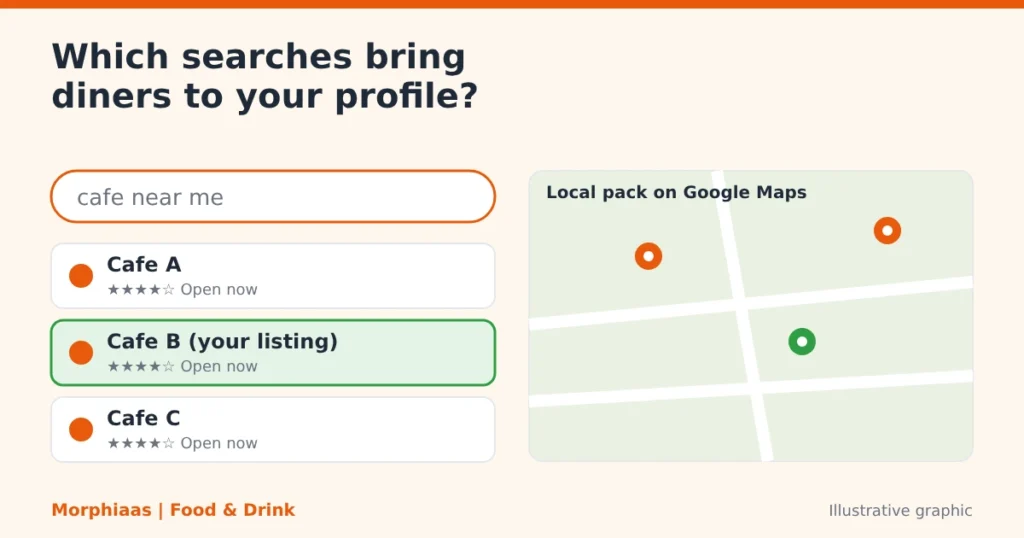
Diners use both short and specific searches. Short searches such as “restaurants near me” or “cafe near me” are broad and heavily contested.
Longer searches such as “rooftop cafe in Hauz Khas open now” or “family restaurant with parking near me” show a clear need. They often face less competition, so a detailed profile can win them.
Describe what makes you different, such as cuisine, seating, parking, price range or delivery, so Google can match your listing to these specific searches.
How does Google decide which restaurants to show?
Google describes local ranking in terms of relevance, distance and prominence. Relevance is how well the listing matches the search. Distance is how far the business sits from the searcher. Prominence reflects how well known the business is, including its reviews and ratings.
You cannot buy a better local ranking. Google says plainly that there is no way to request or pay for one, and its guidance on improving your local ranking lists the steps you can control: verify the business, keep information current, and earn reviews.
That is good news for independent owners. You compete on care and consistency, not on budget alone.
Which profile details bring the most enquiries?
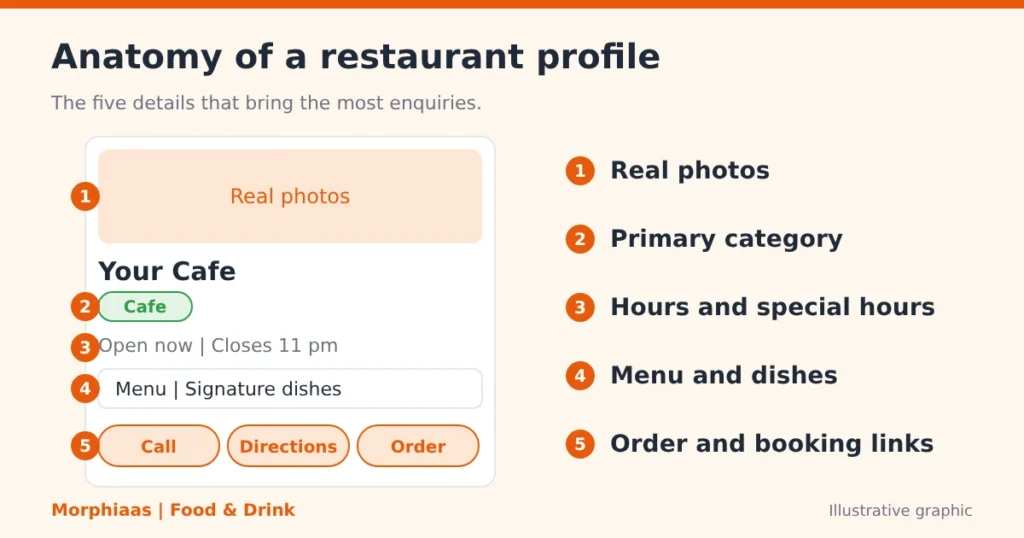
The table below shows the elements that matter most for restaurants and cafes and the type of enquiry each one supports.
Profile element | What to do | Enquiry it supports |
Verification | Complete Google’s verification so you can manage the listing | Trust and eligibility to appear |
Name, address, phone | Keep NAP details (name, address, phone) identical across signboard, website and directories | Calls and direction requests |
Primary category | Choose the most accurate one, such as Cafe or Restaurant | Matching the right searches |
Hours and special hours | Update for festivals, holidays and late openings | Walk-ins and fewer wasted trips |
Menu and dishes | Add current items and signature dishes | Table and order enquiries |
Photos | Upload real food, interiors and the entrance | Clicks, visits and bookings |
Attributes | Mark dine-in, takeaway, delivery, outdoor seating | Filtered and specific searches |
Booking and order links | Point to your own order page or reservation tool | Direct orders and reservations |
Description | Say what you serve and where, in plain words | Relevance and clarity |
Accuracy comes before cleverness. Guests forgive a plain description but not a closed door.
Use your real business name only. Adding keywords to the name goes against Google’s guidelines and can get the listing suspended.
How do photos and menu details win the click?
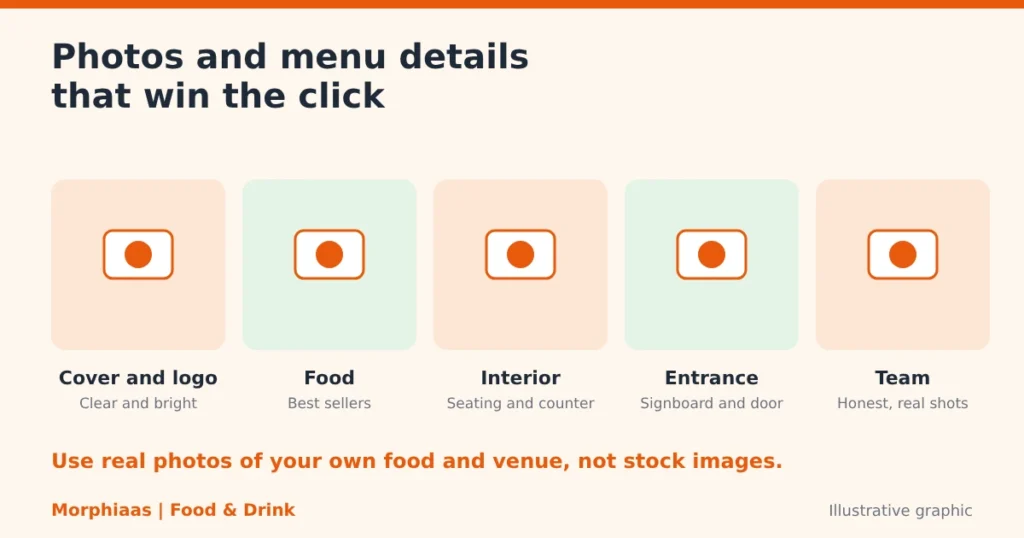
Diners judge a restaurant by what they see before they read a word. Real photos of your food, your seating and your entrance answer the questions they are asking: what will I eat, what does the place feel like, and how do I find it?
Use this simple photo plan:
- Cover and logo. Pick a clear exterior or signature dish for the cover, and your logo for the profile image.
- Food. Show your best-selling dishes in good daylight, not stock images.
- Interior. Show the seating, the counter and any outdoor area so guests know what to expect.
- Entrance. A photo of the door or signboard helps first-time guests find you in a busy market lane.
- Team and kitchen. A few honest shots build trust and make the place feel alive.
For the menu, list items and prices that match what you serve today. Name dishes the way guests say them out loud, such as “butter chicken” or “cold coffee”, so the listing matches how people search. Update the menu the same day you change a price or retire a dish.
Outdated prices cause arguments at the table and poor reviews. Fresh details prevent both.
How do reviews turn views into enquiries?
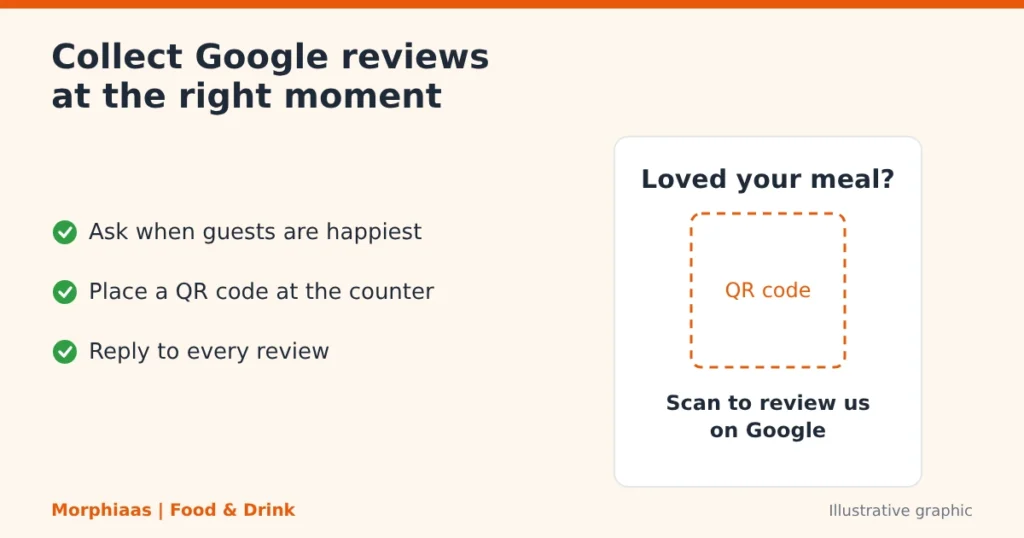
Google reviews are often the deciding factor between two similar listings. Google notes that more reviews and positive ratings can help a business rank better locally, and diners read them before they call.
Two habits make the difference:
- Ask at the right moment. Invite guests to review when they are happiest, such as after a good meal, with a simple QR code at the counter or on the bill.
- Reply to everyone. Thank guests who praise you. Answer critical reviews calmly, state what you will fix and invite the guest to talk to you directly.
Never buy reviews or offer rewards that break Google’s policies. Honest reviews take longer and last longer.
How should you reply to a negative review?
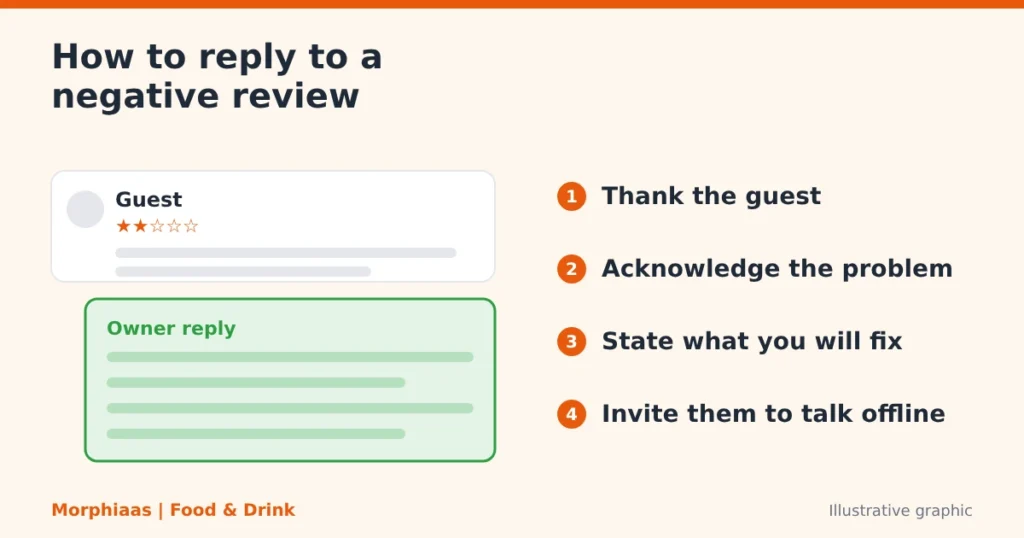
A critical review is not a disaster. Future diners read your reply as closely as the complaint, and a calm answer shows how you treat guests when something goes wrong.
Follow four steps:
- Thank the guest and use their name if it is shown.
- Acknowledge the specific problem without arguing.
- State what you are doing about it.
- Invite them to continue the conversation offline, with a phone number or email.
Here is a sample reply you can adapt:
Thank you for telling us about your visit. We are sorry the food reached your table late and that it did not meet your expectations. We have spoken with the kitchen team about order timing on busy evenings. Please call us on [phone number] so we can make this right.
Keep replies short, polite and free of excuses. Never share a guest’s private details or argue in public. If a review breaks Google’s content policies, such as spam or abuse, you can report it for review instead of replying.
How should you keep the profile active week to week?
An active profile tells diners that someone is looking after the business. A short weekly routine is enough for most outlets.
- Add two or three fresh photos of dishes, new menu items or the dining area.
- Publish a post about an offer, a seasonal special or an event.
- Check hours before every festival or long weekend and set special hours.
- Reply to every new review.
- Confirm that the menu and prices still match what you serve.
This takes less than an hour a week once the first setup is done
How do posts, offers and special hours help during festivals?
Festivals change how people eat out. Families book tables, offices order in, and opening hours shift. Your profile should show these changes before diners have to ask.
Three features matter most:
- Special hours. Set them for Diwali, Holi, Eid, Christmas, New Year’s Eve and local holidays so guests never arrive at a locked door.
- Posts. Share a festive menu, a weekend brunch, live music night or a limited-time dish. Add a clear photo and a button that leads to your booking or order page.
- Updated menu. Add seasonal dishes and combo meals while they are available, then remove them when the season ends.
Plan two weeks ahead. A short monthly calendar of festivals, match days and local events lets you prepare posts and hours in one sitting.
For cafes, think smaller moments too: exam season, rainy evenings, weekend breakfast and office-lunch hours. A short post that fits the moment reminds nearby diners that you are open and ready.
How should different restaurant formats set up their profile?
A cafe, a fine-dining room and a delivery-first kitchen win enquiries in different ways. The table shows where each should put the most effort.
Format | Focus first | Main enquiry to aim for |
Cafe | Photos, ambience, hours, Wi-Fi and seating attributes | Walk-ins and direction requests |
Casual restaurant | Menu, reviews, parking and family-friendly details | Calls and table bookings |
Fine dining | Reservation link, photos, dress code and menu highlights | Reservations |
Quick-service outlet | Hours, order links, takeaway and delivery attributes | Direct orders and walk-ins |
Cloud kitchen | Service area, menu, order links and reviews | Online orders |
Brands with several outlets need extra care. Give each outlet its own profile with its own address, phone number, hours and photos. Keep the brand name consistent, add the branch or area only where it is part of the real name, and never copy one outlet’s details onto another.
Assign one person to each location, so reviews, hours and menu changes are never left for “someone else” to handle.
How do you measure whether enquiries are rising?
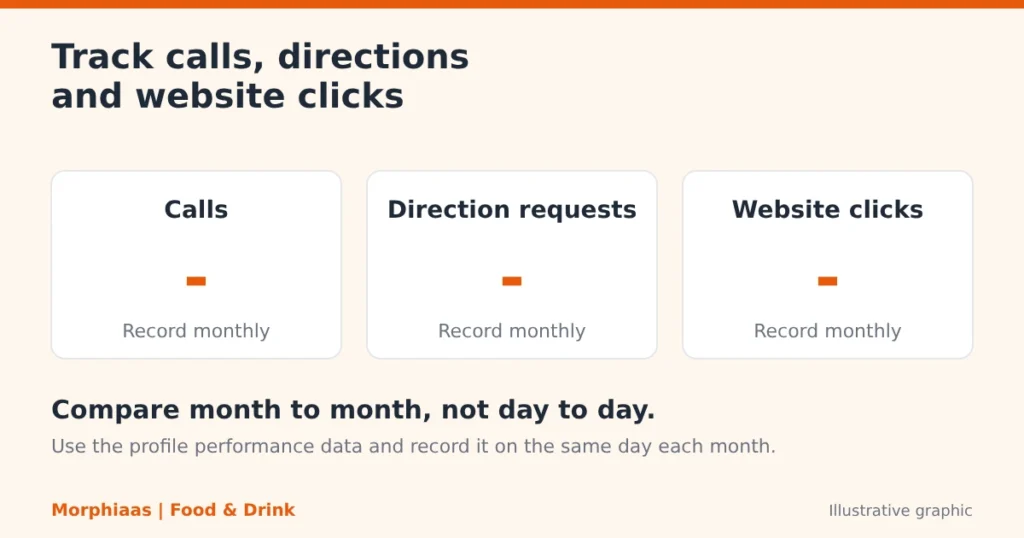
Google’s profile performance data shows how people interact with your listing, including calls, direction requests and website clicks. Record these numbers on the same day each month.
Add tracking tags to your website and order links so your analytics can separate profile visitors from other traffic. Compare enquiries month to month, not day to day, because restaurant demand moves with weekends, salaries and festivals.
If calls rise while direction requests stay flat, check your hours and photos. If website clicks rise but orders do not, the problem is usually the landing page, not the profile.
How does the profile work alongside Zomato, Swiggy and direct orders?
Zomato and Swiggy bring orders, but they also charge commission and keep the guest relationship on their platform. Your Google Business Profile gives you a direct line to diners who are already searching for you.
Use each channel for what it does best:
- Google Business Profile. Capture people searching nearby, and send them to your own order page, reservation tool or phone line.
- Aggregators. Keep your listings accurate there too, and use them to reach diners who already order through those apps.
- Your own ordering link. Place it on the profile so repeat guests can order without commission.
Keep your menu, prices, hours and photos identical across all three. A guest who sees different prices on Google and on an app loses trust quickly.
The long-term aim is to move repeat customers toward your own channels, while still using aggregators to meet new ones.
What results can a restaurant expect?
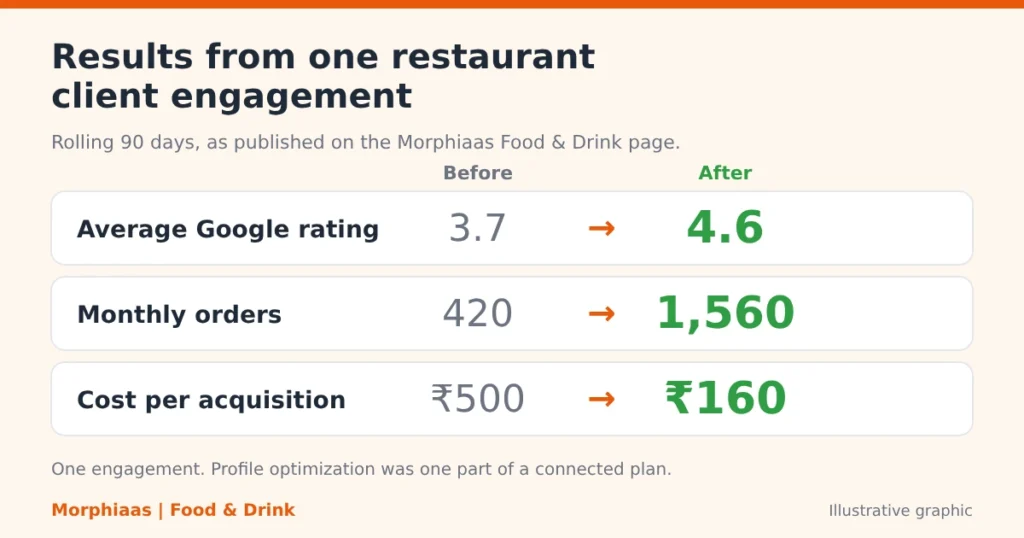
Results depend on your area, your competition and how much of the work you do consistently. We do not promise a ranking or a fixed date.
Here is a real example from the engagement published on our food and drink marketing page. Over a rolling 90-day window, one restaurant client’s average Google rating moved from 3.7 to 4.6, monthly orders grew from 420 to 1,560, and cost per acquisition fell from ₹500 to ₹160.
That engagement combined review generation, local SEO, profile optimization and paid campaigns. We cannot credit the profile alone for those gains. It was one important part of a connected plan.
Who is this approach not right for?
Profile optimization suits any restaurant or cafe with a physical address that guests can visit. It is less useful in a few cases.
- Cloud kitchens with no public address. They can still use a profile as a service-area business, but footfall and direction requests will not apply.
- Owners who cannot keep up with reviews or hours. An outdated profile can hurt more than a basic one.
- Businesses expecting instant ranking jumps. Reviews, accuracy and activity build over weeks, not days.
What mistakes cost restaurants enquiries?
Most lost enquiries come from a handful of avoidable errors.
- Duplicate or unverified listings. Two profiles for one outlet split your reviews and confuse diners.
- Wrong or too many categories. Pick the most accurate primary category and add others only if they truly describe you.
- Stale hours and menus. A closed door on a festival evening costs a visit and a review.
- Unanswered reviews. Silence tells new diners that nobody is listening.
- Keywords in the business name. Use your real name only.
- Phone numbers nobody answers. Keep one number that staff pick up during opening hours.
A simple 30-day plan
Use these Google Business Profile tips for restaurants in India as a checklist for one outlet, then repeat them for each branch.
Week 1. Foundation. Claim and verify the profile. Match the name, address and phone number across your website and social pages. Pick the right primary category.
Week 2. Content. Upload fresh photos, add the full menu, set attributes and write a clear description.
Week 3. Reviews. Place a QR code at the counter, train staff to ask politely and reply to every existing review.
Week 4. Routine and tracking. Publish a first post, set special hours for upcoming dates and record your baseline calls, directions and website clicks.
After day 30, repeat the weekly routine and review the numbers each month.
Monthly profile health checklist
Run this check once a month to keep the profile accurate and the enquiries steady.
Check | What to confirm | Done |
Business details | Name, address, phone and website match your signboard | – |
Hours | Regular and special hours are correct for the coming month | – |
Menu and prices | Items and prices match what you serve today | – |
Photos | At least a few new real photos added this month | – |
Reviews | Every review has a reply, and new ones are requested | – |
Posts | At least one post published, with a clear button | – |
Categories and attributes | Primary category is accurate, and attributes match the venue | – |
Performance | Calls, direction requests and website clicks recorded | – |
Duplicates | No second listing exists for the same outlet | – |
Frequently asked questions
How does Google Business Profile help restaurants get more enquiries?
It places your restaurant in front of people searching nearby on Google Search and Maps. A complete listing lets them call, get directions, view the menu or visit your website in one tap. Accurate details and good reviews make them more likely to choose you.
Is Google Business Profile free for restaurants and cafes?
Yes, creating and managing a profile is free. Google also states that you cannot pay for a better local ranking.
How long does Google Business Profile optimization take to show results?
Some changes appear within days after Google processes them. Ranking and review momentum usually build over several weeks. No honest agency can promise a fixed date.
How many reviews does a cafe need to rank well?
There is no fixed number. Google says more reviews and positive ratings can help, so aim for a steady flow of genuine reviews and reply to each one.
Should I focus on my profile or on Zomato and Swiggy?
Use both, with different roles. Aggregators bring orders but charge commission. Your profile helps guests find and contact you directly, and it can link to your own order page.
Can I optimize the profile myself or should I hire an agency?
You can handle the basics yourself with a few hours of setup and a weekly routine. An agency helps most when you run several outlets or want profile, reviews, website and ads managed together.
How can I get more calls from Google Maps for my cafe?
Keep your phone number correct and answer it during opening hours. Add current photos, accurate hours and a clear description, and reply to every review. Then check the call numbers in your profile performance data each month.
What are the best categories for a restaurant Google Business Profile?
Choose the primary category that matches what you mostly are, such as Cafe, Restaurant or Bakery. Add secondary categories only when they accurately describe what you offer. Avoid unrelated ones added to chase more searches.
Why choose Morphiaas for Google Business Profile optimization?
You can handle the basics of your profile yourself. Many owners choose Morphiaas when they want the profile, reviews, website and ads to work together, run by a team that only does food and drink.
Here is what sets our approach apart:
- Food and drink focus. We have spent eight years working with restaurants, cafes, cloud kitchens and food chains, and have scaled more than 300 brands since 2017.
- One connected plan. We combine profile and review optimization, local SEO, social media and geo-targeted ads, so each channel supports the others.
- Revenue, not vanity metrics. We measure calls, orders and cost per order, not only likes and views. Our median cost per order across food clients is ₹160.
- Reputation work built in. We run review generation campaigns alongside profile optimization. Our clients report an average post-programme rating of 4.6 stars.
- Clear reporting. You see progress through an analytics dashboard and weekly reports.
- Local presence. Our offices in New Delhi and Faridabad serve Indian restaurant brands directly.
We start with a free 30-day growth diagnostic and no retainer. It reviews your profile, your reviews and your local search visibility, then maps what to fix first against your business goals.
We will also tell you when a simple fix is enough. If your profile needs a weekend of cleanup and not a campaign, we say so.