

The Short Answer
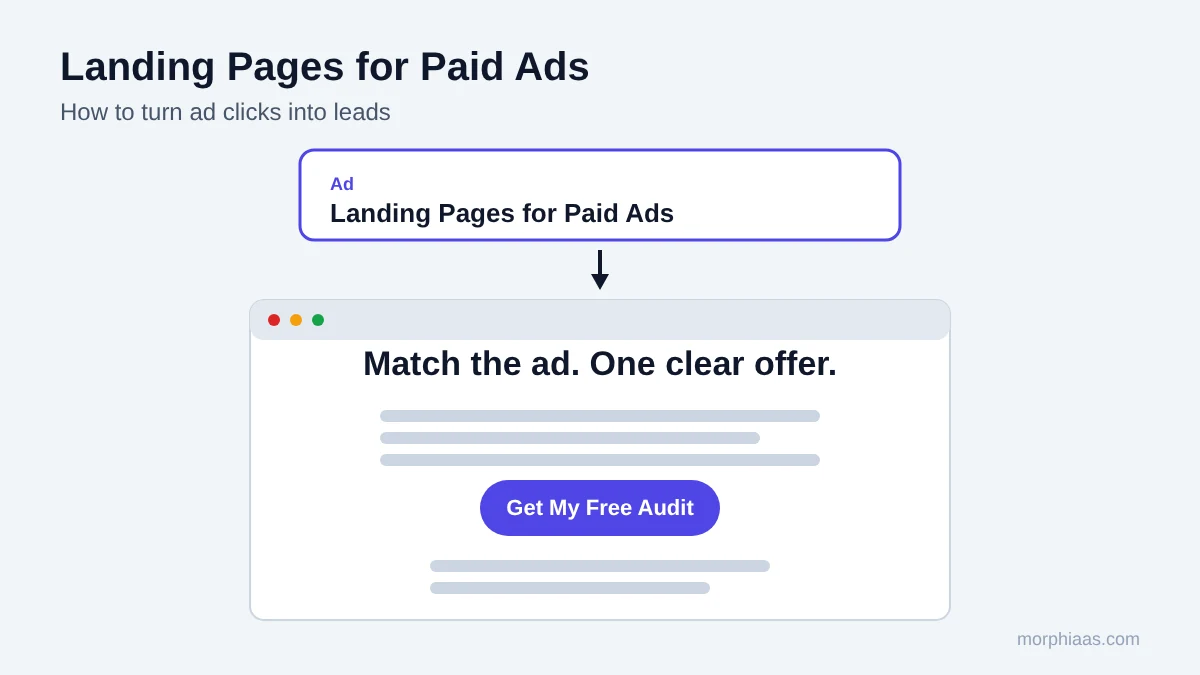
To create landing pages for paid ads, match each page to one ad and one audience, repeat the ad’s promise in the headline, and keep a single call to action. Make the page load fast on mobile, add real proof, and test one change at a time. A page built this way gives paid traffic a clear next step.
Why Your Ad Clicks Need Their Own Page
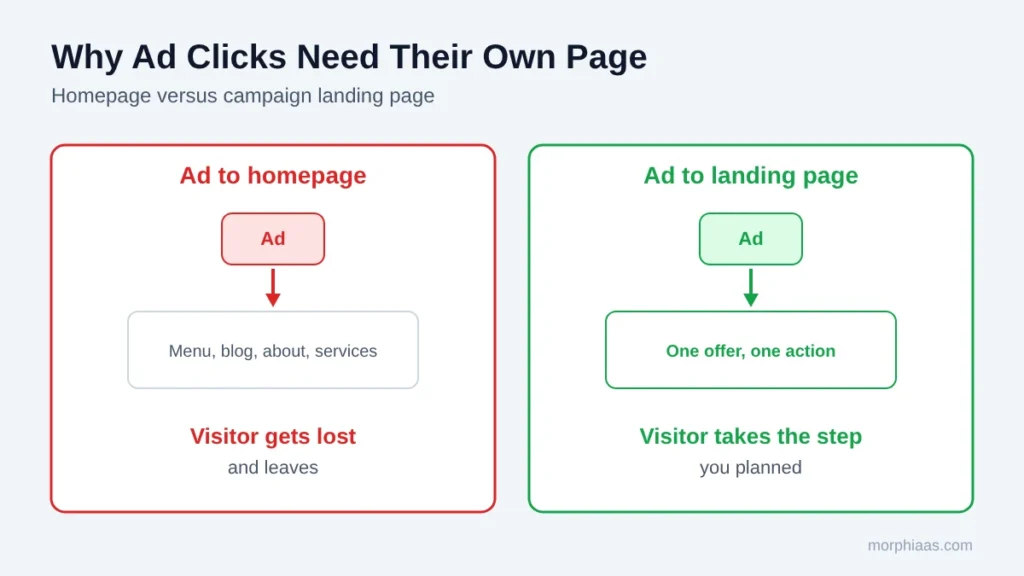
A click costs money the moment it happens, and a weak page wastes it. Landing pages for paid ads finish the job the ad started. That is why they differ from a homepage or a service page.
What Is a Landing Page in Paid Advertising
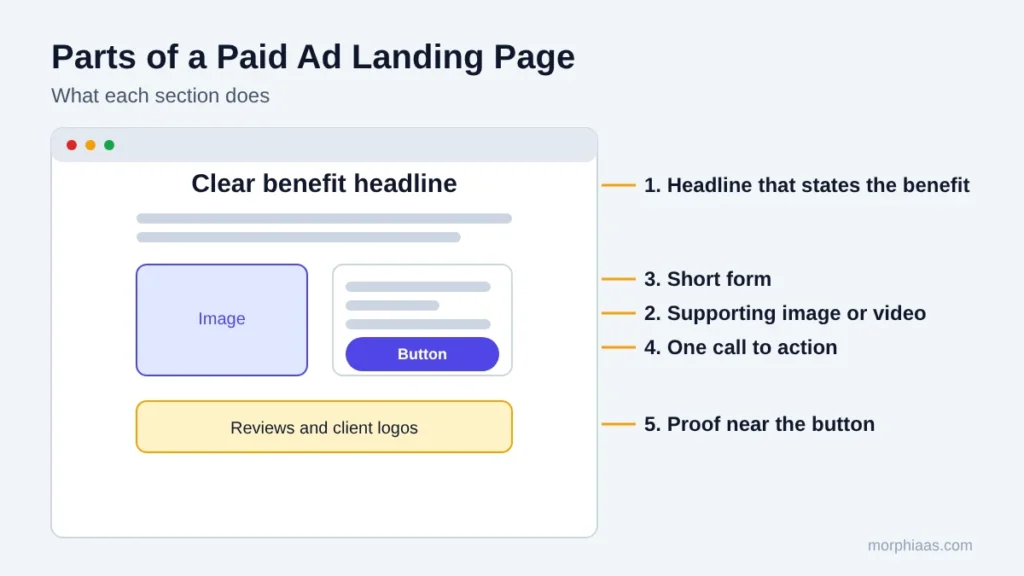
A landing page is a standalone web page built for a single campaign goal, such as a lead form submission, a phone call or a booking. Marketers also call it a PPC landing page or a campaign page. Visitors arrive from an ad, so the page has no distracting menus and no unrelated links.
The goal is conversion. Conversion rate is the share of visitors who complete the action you want. Every element on the page either supports that action or gets in its way.
Why Landing Pages Matter for Paid Campaigns
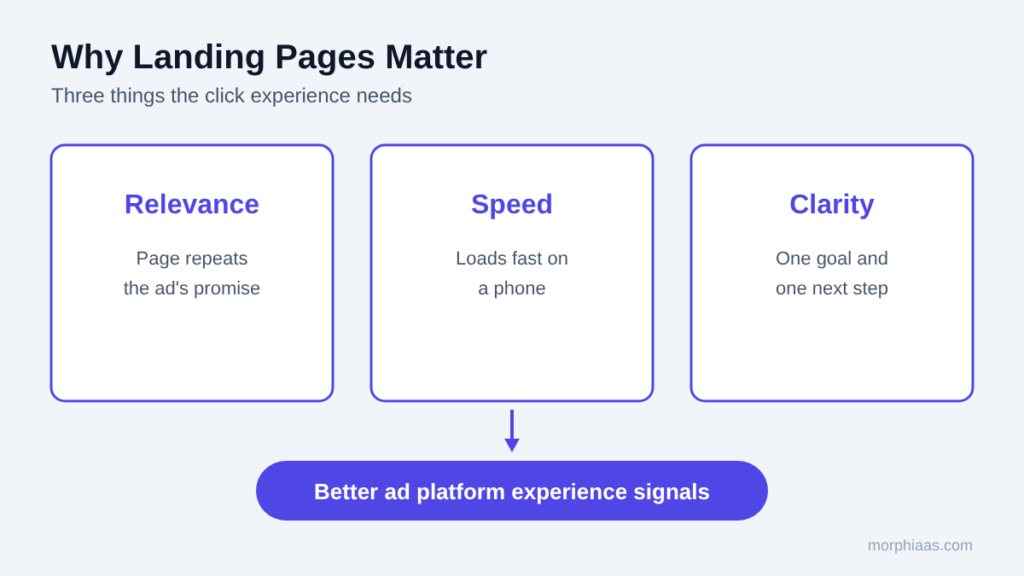
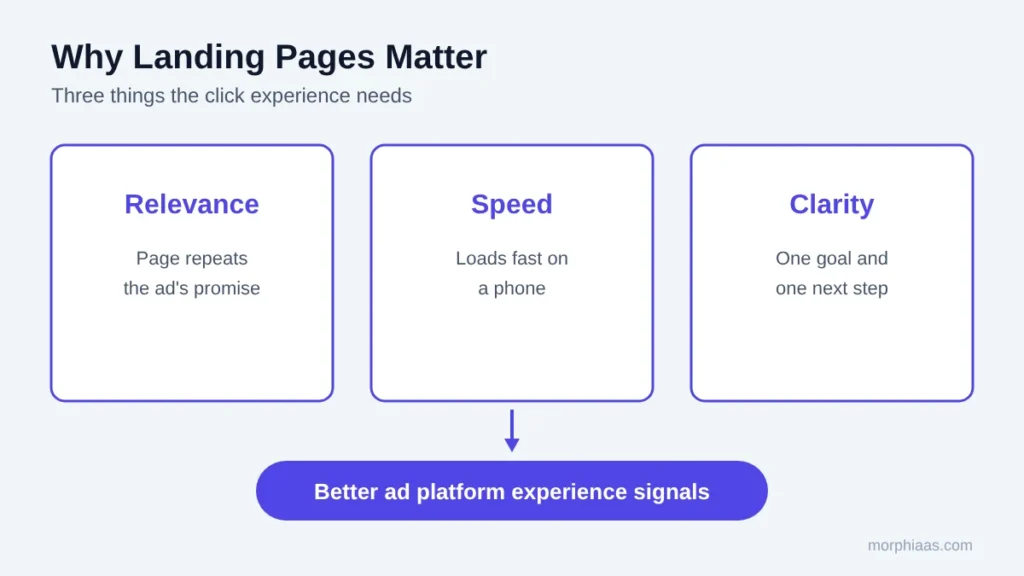
Ad platforms judge the experience that follows the click. Google Ads, for example, rates landing page experience as one part of Quality Score, which influences how much you pay and how often your ad appears. A relevant, fast and clear page can therefore lower the cost of each lead over time.
Message match is the other reason. Message match means the page repeats the offer, wording and visuals from the ad. Visitors who see the same promise feel confident they are in the right place.
How to Create Landing Pages for Paid Ads Step by Step
The eight steps below follow the order most campaign teams work in. Each one ends with a result you can check before moving on.
Step 1. Choose One Goal and One Audience
Pick a single conversion, such as a form fill, a call or a booking. Then name the audience your ad targets, along with the problem they want solved.
Expected result: You can state the purpose of the page in one sentence, and each section supports it.
Common mistake: Offering a download, a call and a newsletter signup on the same page. Fix: Keep one primary action and remove the rest.
Step 2. Match the Page to the Ad
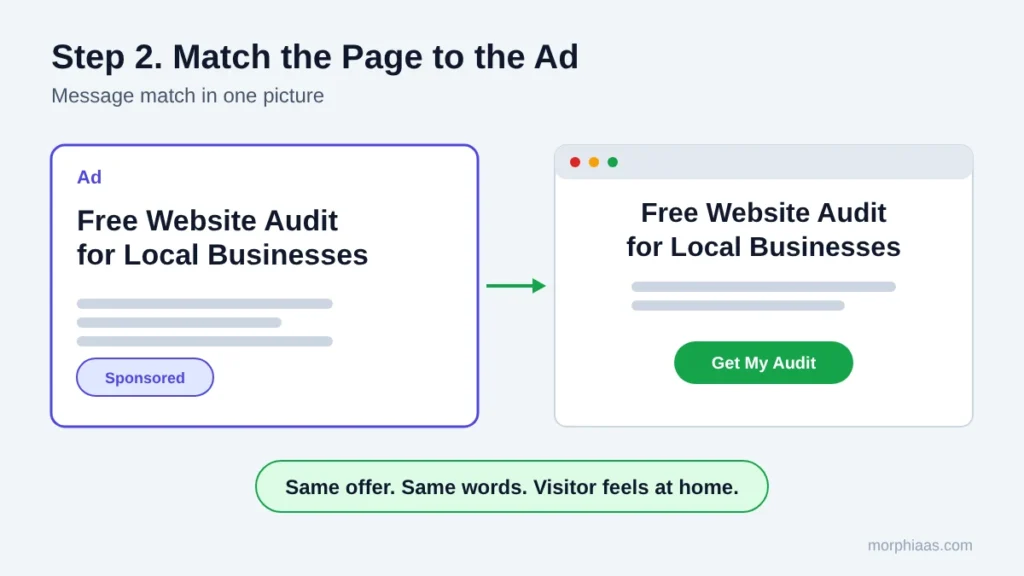
Copy the core promise of the ad into the page headline. Use the same offer, tone and visual style, so the visitor feels continuity from the ad to the page.
Expected result: A visitor who clicks the ad recognises the offer immediately.
Common mistake: Sending every ad group to one generic page. Fix: Build a separate page, or at least a separate headline, for each ad theme.
Step 3. Write a Clear Headline and Subheadline
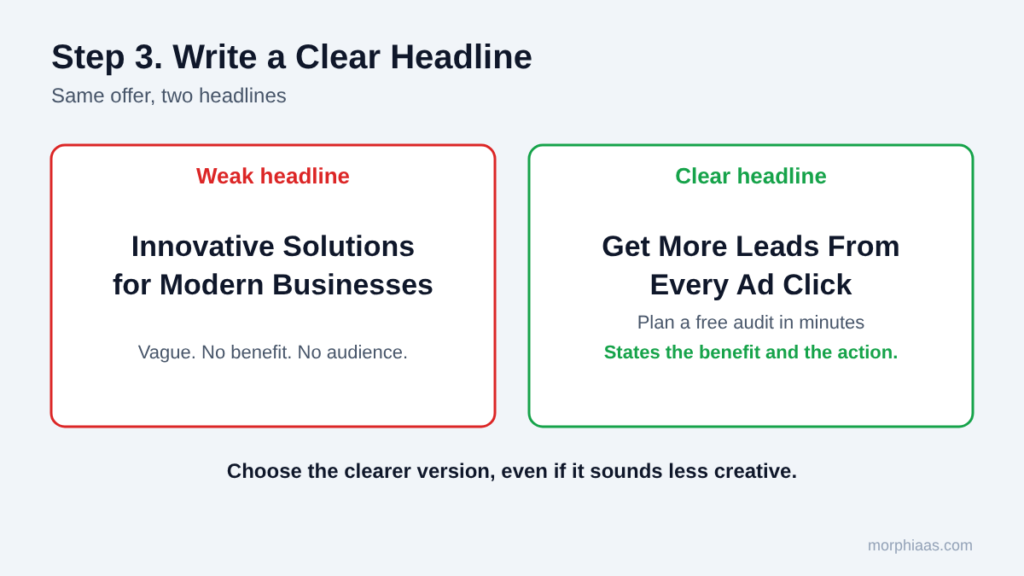
State the main benefit in the headline in plain language. Use the subheadline to explain who the offer is for or how it works.
Expected result: A new visitor understands the offer after reading only the top of the page.
Step 4. Build a Strong Above-the-Fold Section
Above the fold is the part of the page visible before scrolling. Place the headline, a short supporting line, one piece of proof and the call to action in that space.
Expected result: The visitor sees what you offer and how to act without scrolling.
Step 5. Add Proof the Visitor Can Trust
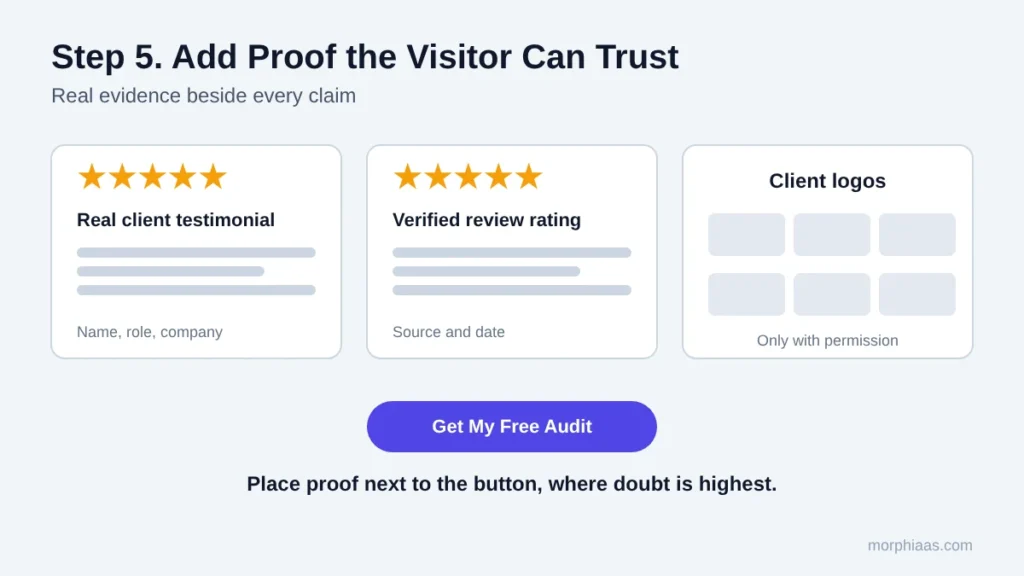
Use real testimonials, client logos you have permission to show, review ratings and case results you can verify. Place proof near the call to action, where doubt is highest.
Expected result: Each claim on the page has evidence beside it.
Common mistake: Unverified numbers or invented quotes. Fix: Publish only what you can document, and cite the source or date.
Step 6. Simplify the Form and the Call to Action
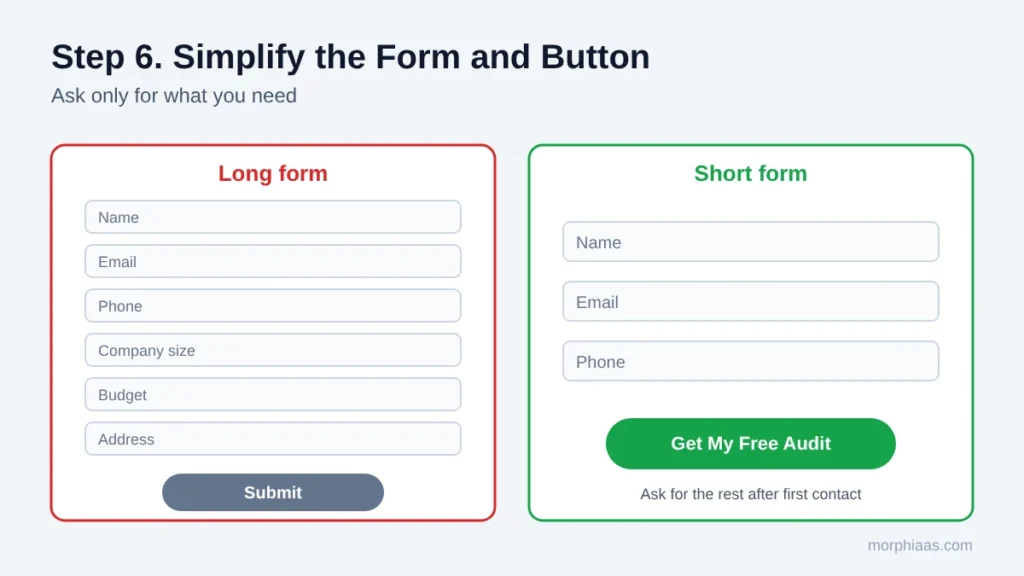
Ask only for the details you need to follow up, such as name, email and phone. Write the button text as the outcome the visitor gets, for example “Get My Free Audit” rather than “Submit”.
Expected result: The form feels short and the button promises a clear result.
Step 7. Make the Page Fast and Mobile Friendly
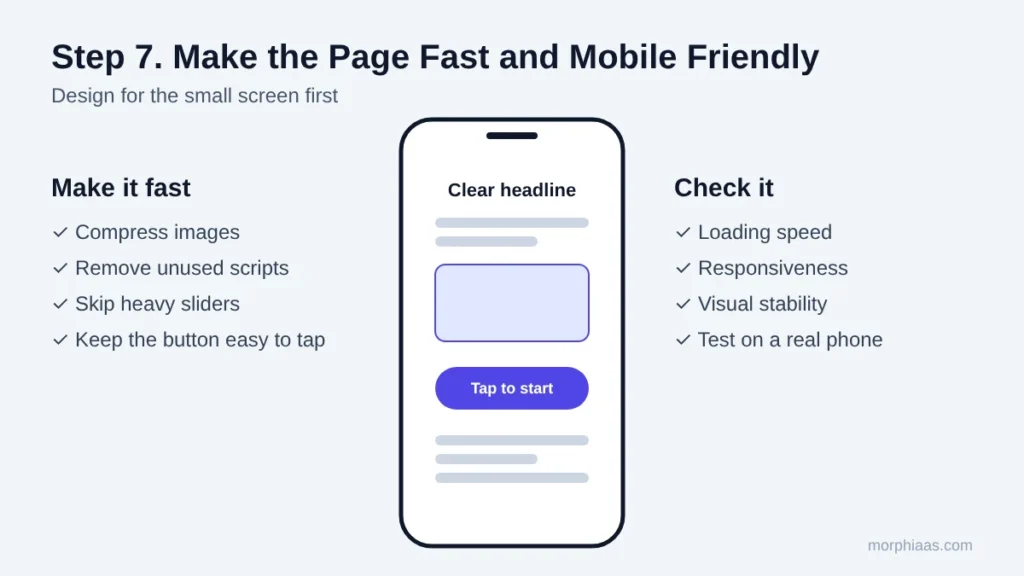
Most paid clicks come from phones, so design for a small screen first. Compress images, remove unused scripts and check your results against Google’s Core Web Vitals guidance, which measures loading speed, responsiveness and visual stability.
Expected result: The page loads quickly and the button stays easy to tap on a phone.
Step 8. Set Up Tracking and Test One Change at a Time
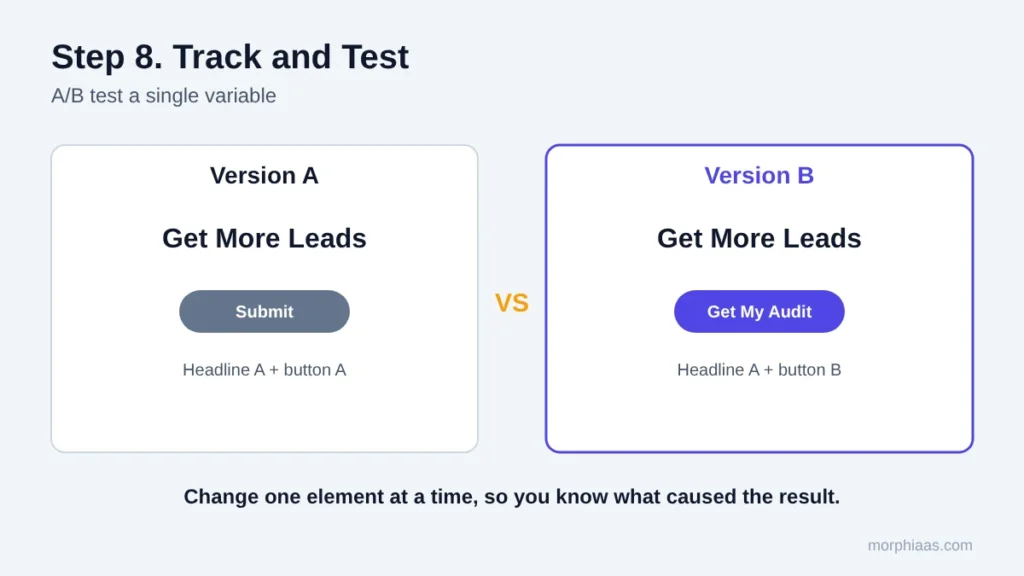
Install conversion tracking so you know which clicks become leads. Google provides a setup guide for conversion tracking in Google Ads. After the page goes live, run A/B tests on one element at a time, such as the headline, the button text or the form length.
Expected result: Your reports show conversions by ad, keyword and page version.
Common mistake: Changing several elements at once. Fix: Test a single variable so you know what caused the difference.
Why Choose Morphiaas for Paid Media Campaigns
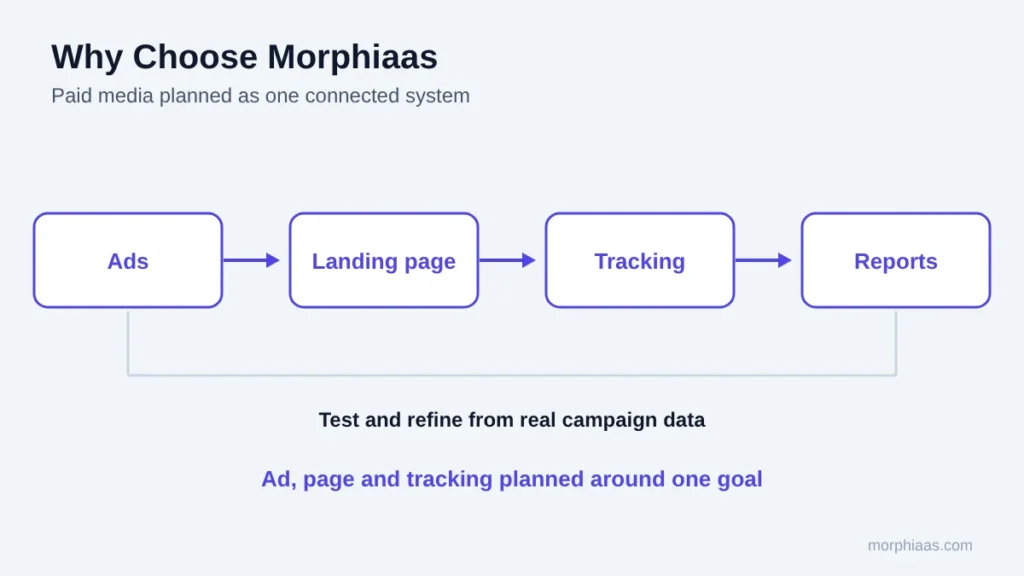
A good landing page works best when it is planned together with the ads that feed it. Morphiaas approaches paid media campaigns as one connected system, where the ad, the page and the tracking are designed around the same goal.
Here is what that means for your business:
- Strategy before spend. We define the audience, offer and conversion goal before a single ad runs.
- Message match built in. Ad copy and page copy are written together, so visitors see one consistent promise.
- Conversion-focused page design. Layouts are built for clarity, speed and mobile use.
- Clear reporting. You see which campaigns, keywords and pages produce leads.
- Ongoing testing. We refine headlines, forms and offers based on real campaign data.
Frequently Asked Questions
What is a landing page for paid ads?
It is a standalone page built for one advertising campaign and one conversion goal. Visitors arrive from an ad, so the page repeats the ad’s offer and guides them to a single action. It usually has no main navigation menu.
How is a landing page different from a homepage?
A homepage introduces the whole business and serves many goals. A landing page serves one campaign and one action, so it removes distractions. This focus is why campaign pages often convert better than general pages for paid traffic.
How do I improve the conversion rate of my landing page?
Start with message match, a clear headline and a shorter form. Then add real proof near the button and improve mobile speed. Test one change at a time so you can see what worked.
Do I need a separate landing page for every ad campaign?
Ideally yes, or at least a separate version for each major ad theme or audience. Separate pages keep the message consistent from ad to page. They also give you cleaner data on what drives results.
Final Thoughts
Strong landing pages for paid ads follow a simple pattern. They match the ad, state one clear offer, show real proof and make the next step easy. Each improvement you test lifts the return on the budget you already spend.
Ready to build campaigns and pages that work together? Visit Morphiaas and talk to our team about your next paid media campaign.